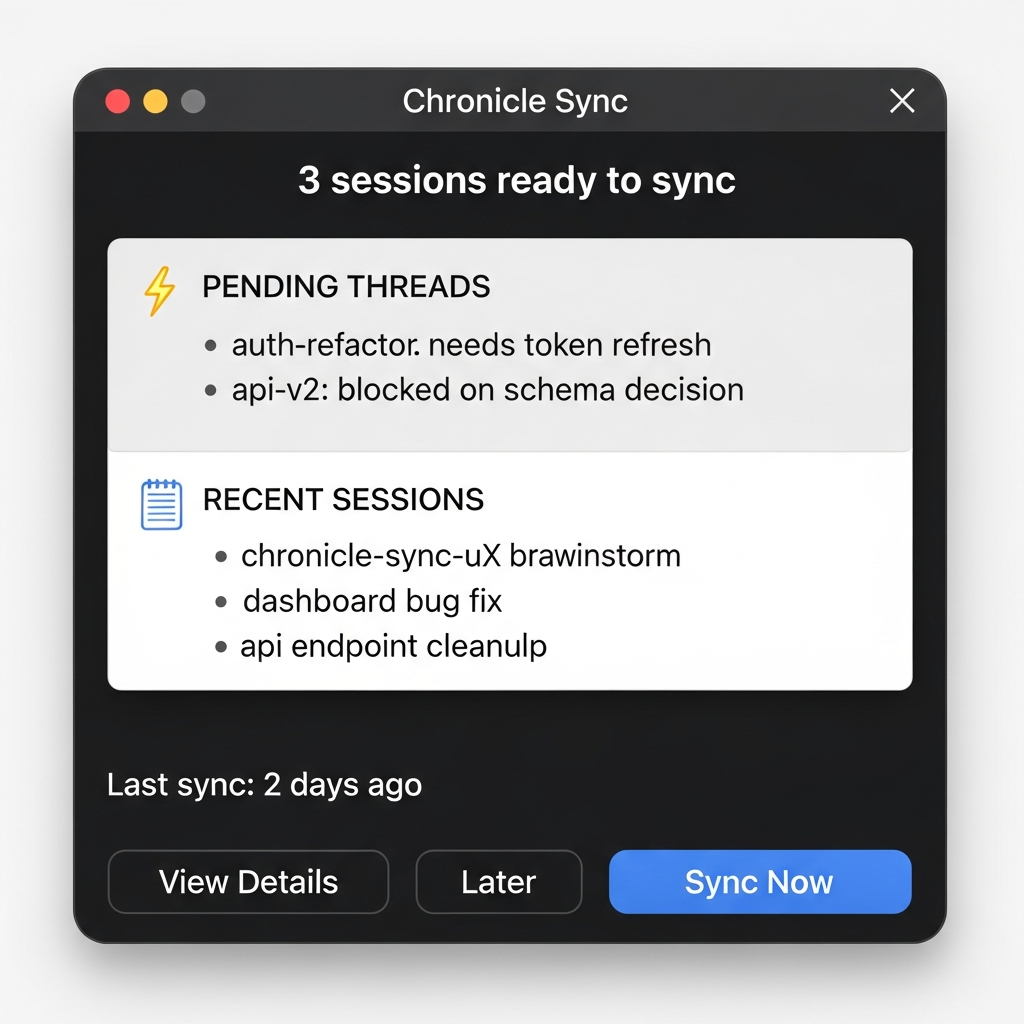
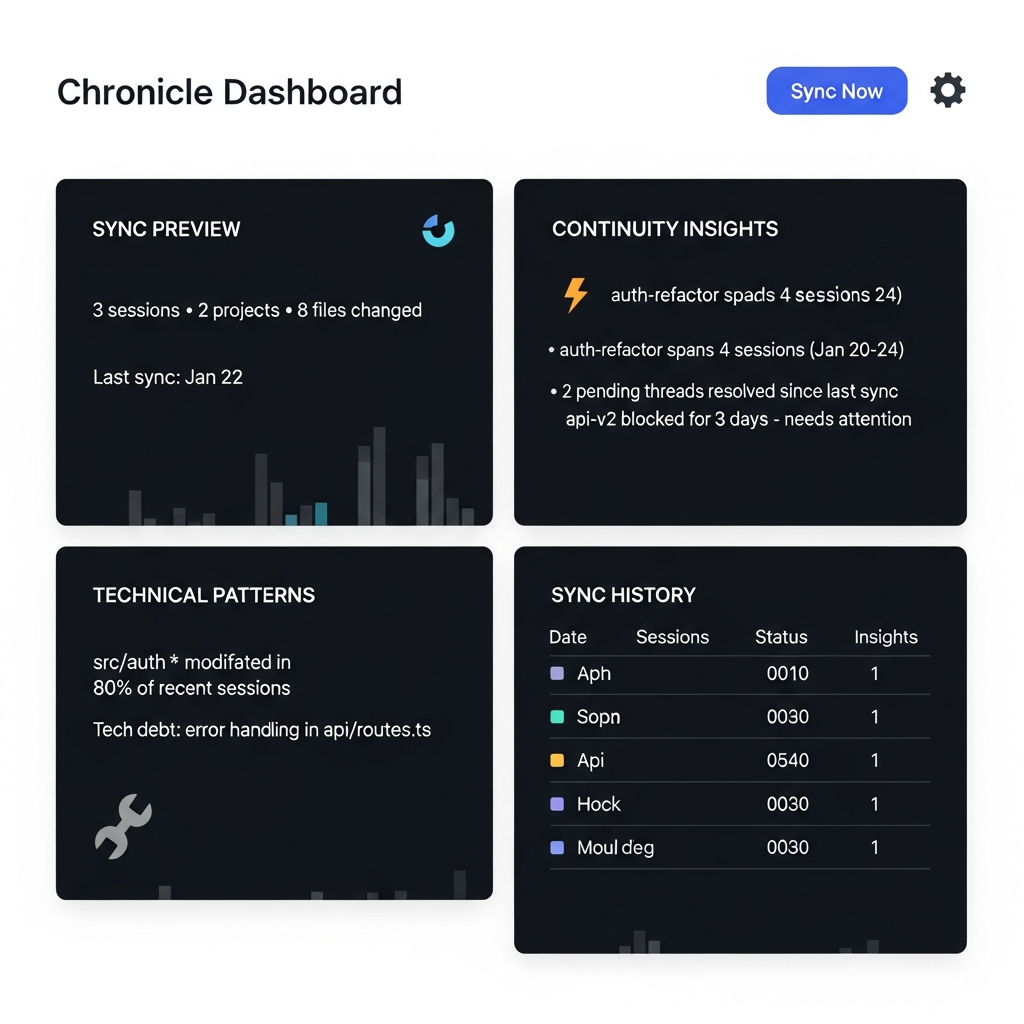
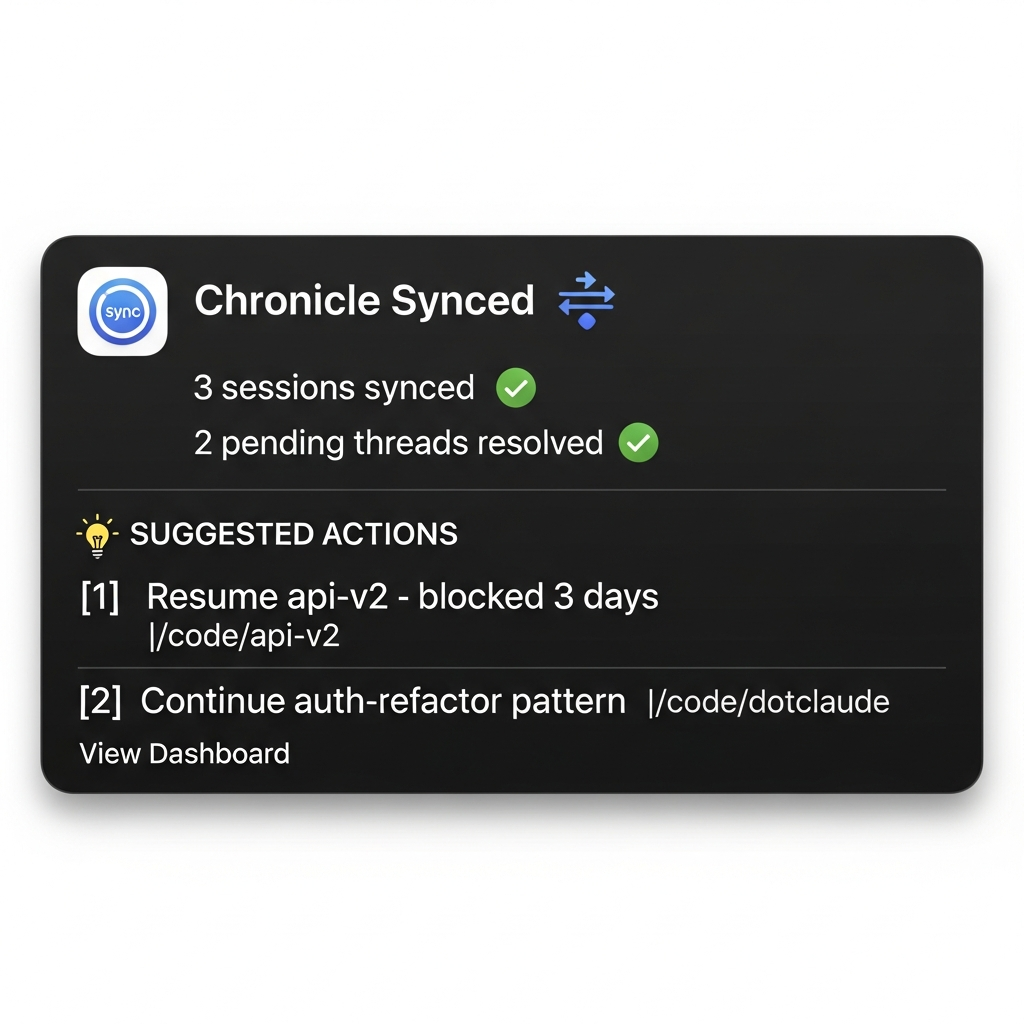
Chronicle
Captures and curates session memory so coding context survives across restarts.
Prerequisites: Claude Code (chronicle reads and writes the invoking user's own
Claude config dir) and bun; the optional background services additionally
need macOS with launchd.
Related: For persistent teammate behavior see the
team-memoryskill. For session title lifecycle see thesession-titlesskill.
Start Here
Prefer these three workflows unless the user explicitly asks for something else:
/chronicle          # Save current session state
/chronicle catchup  # Restore context for the current project
/chronicle pending  # Show open threads across sessions
Use them like this:
/chroniclewhen the user wants to save, checkpoint, or quickly wrap a session./chronicle catchupwhen the user is returning to a repo and wants to know where they left off./chronicle pendingwhen the user wants a project-spanning open-loops list.
Command Map
| Need | Command | How to respond |
|---|---|---|
| Quick capture | /chronicle or /chronicle <note> |
Summarize current state, write/update today's block, keep output concise. |
| Return briefing | /chronicle catchup |
Load recent blocks for the current project and surface active context first. |
| Open loops | /chronicle pending |
List pending items across blocks; group by project when helpful. |
| Help | /chronicle help or /chronicle ? |
Start with the three primary workflows; expand into advanced commands only if the user asks. |
| Curated memory | /chronicle curate |
Invoke the curator agent for a richer block instead of doing a thin capture. |
| Session closeout | /chronicle wrapup |
Run deliberate closeout: curate, inspect unresolved work, and update backlog only when warranted. |
| Narrative recap | /chronicle recap |
Generate a multi-session narrative, cross-checking git and blocks. |
| Search/read | /chronicle search, /chronicle blocks, /chronicle stale, /chronicle resolve |
Use the matching script and report exact matches or resolution state. |
| Publish/UI | /chronicle publish, ui, dev |
Use the docs/scripts only when the user asks for exported or browser views. |
| Summaries | /chronicle summarize |
Generate time-bucketed AI summaries for human consumption. |
For full command behavior, examples, and edge cases, read references/command-reference.md.
Quick Capture
- Gather the current project, branch, recent edits, key decisions, open work, and any user-provided note.
- Prefer factual, terse summaries over file-list dumps.
- Write or update the current day's block through the Chronicle scripts when possible.
- End with a short confirmation and the most important unresolved next step.
Catchup And Pending
For /chronicle catchup, run the catchup script or manually read recent project blocks, then answer in this order:
- current branch/worktree context
- recent shipped or in-flight work
- unresolved pending items
- likely next action
For /chronicle pending, show active items first. Do not bury stale or resolved material in a long historical dump.
Curate And Wrapup
Use chronicle-curator when the user wants a meaningful checkpoint, retrospective, or session wrap. Curated blocks should include goal, accomplishments, decisions, challenges, and next steps.
/chronicle wrapup is a closeout workflow, not just a summary. Check whether pending work belongs in backlog, whether the session is safe to archive, and whether local processes or branches need cleanup.
Scripts
Script paths are relative to this skill's base directory — the one the harness announced at invocation. Prefix them with it when the working directory is a project rather than the skill:
bun scripts/catchup.ts
bun scripts/recap.ts <project> --days=14
bun scripts/stale.ts
bun scripts/resolve.ts "<pending item>"
bun scripts/publish.ts --period weekly
bun scripts/dashboard.ts
Use repo-local paths (skills/chronicle/scripts/...) when developing this repo.
Development
For Chronicle implementation work:
- Read
docs/development.mdfor local development workflow. - Run
./skills/chronicle/tests/run_tests.shfor the browser-backed flow tests. - Run targeted
bun testcommands inskills/chronicle/scripts/for script changes. - Keep hook behavior fail-open; session start/end must not block normal agent use.
Reference Loading
Load additional context only when needed:
references/command-reference.md— full command details, examples, schemas, UI/publish/summarize behavior.docs/chronicle-design.md— system design.docs/dashboard-service.md— dashboard service details.docs/development.md— development workflow.